Functionality of the system
Service request (Request)
The Service Request is the core entity of the Service Desk and enables structured interaction between users (customers) and service specialists.
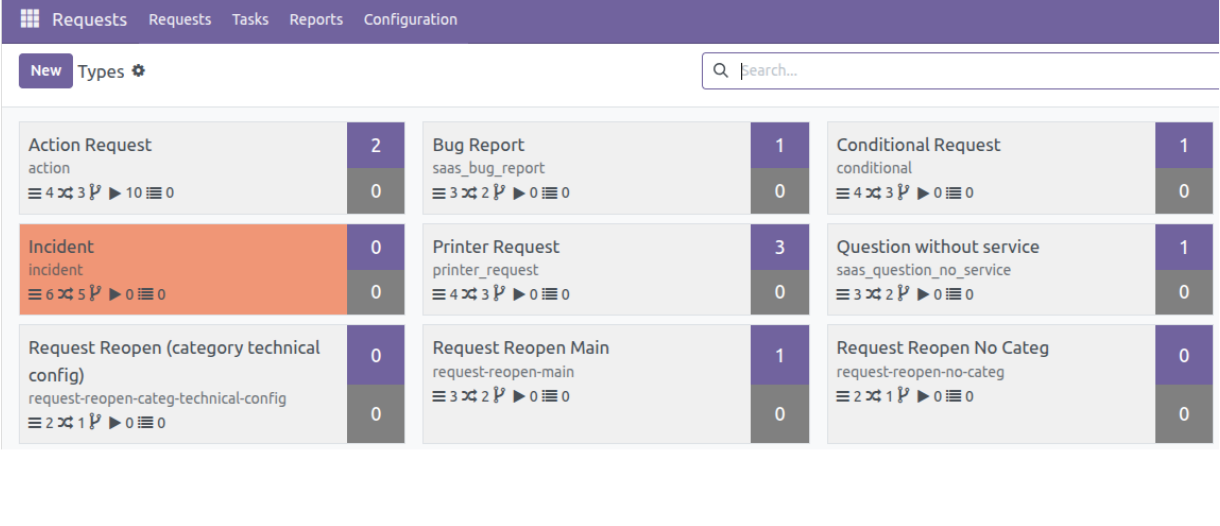
Each request is classified using several parameters:
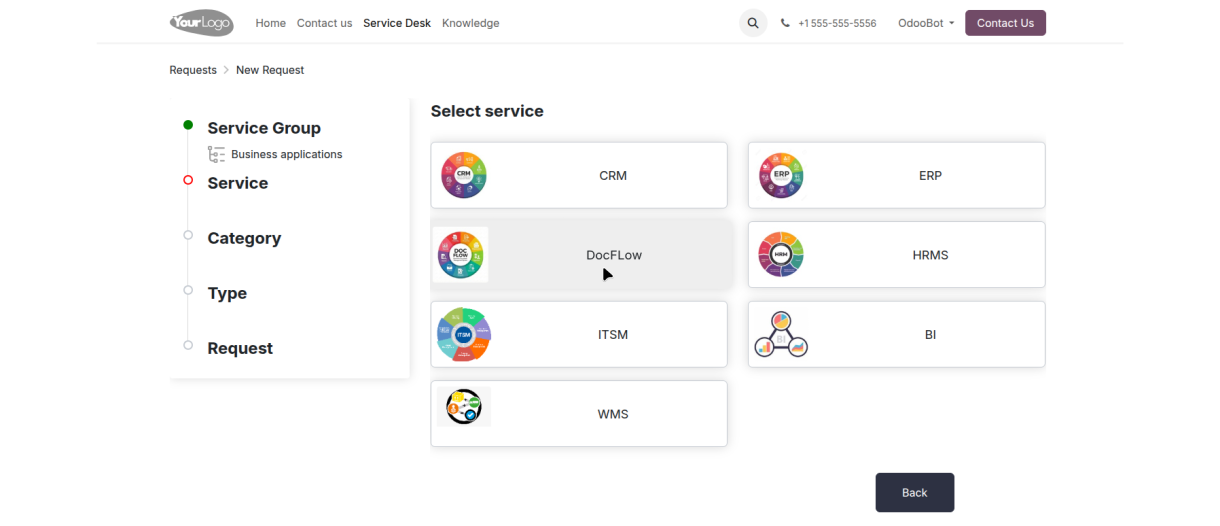
Service Group / Service — selected from the service catalog, Request Category — based on a hierarchical classification structure, Request Type (External) — an additional classifier used by external users, Request Type — the key classifier that defines the request processing workflow.
All other request settings and processing rules are derived from the selected Request Type.
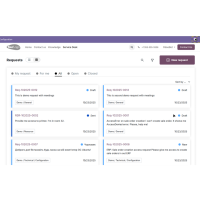
Website
(Service Portal)
The Service Portal is the client-facing part of the solution, designed as a modern and intuitive website.
It includes a built-in page builder (CMS) that allows easy creation and management of content without technical skills.
Requests can be linked to each other using the Parent Request field, enabling the creation of structured request chains.
This approach allows complex cases to be broken down into sub-requests and supports both sequential and parallel processing of tasks.
Internal cabinet
The Internal Cabinet serves as a dedicated workspace for company specialists.
Its functionality is role-based and varies depending on user groups and access levels.
The internal office provides the tools required for daily operations, collaboration, and process execution.
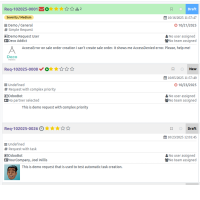
The system is built as a Web 3.0 portal, allowing the number, functionality, and appearance of applications to be easily adapted to user needs.
It provides a flexible and granular access control system with multiple authorization schemes.
The platform also includes advanced administrative capabilities, such as compliance with GDPR and other regulatory requirements.
Generic Business Process
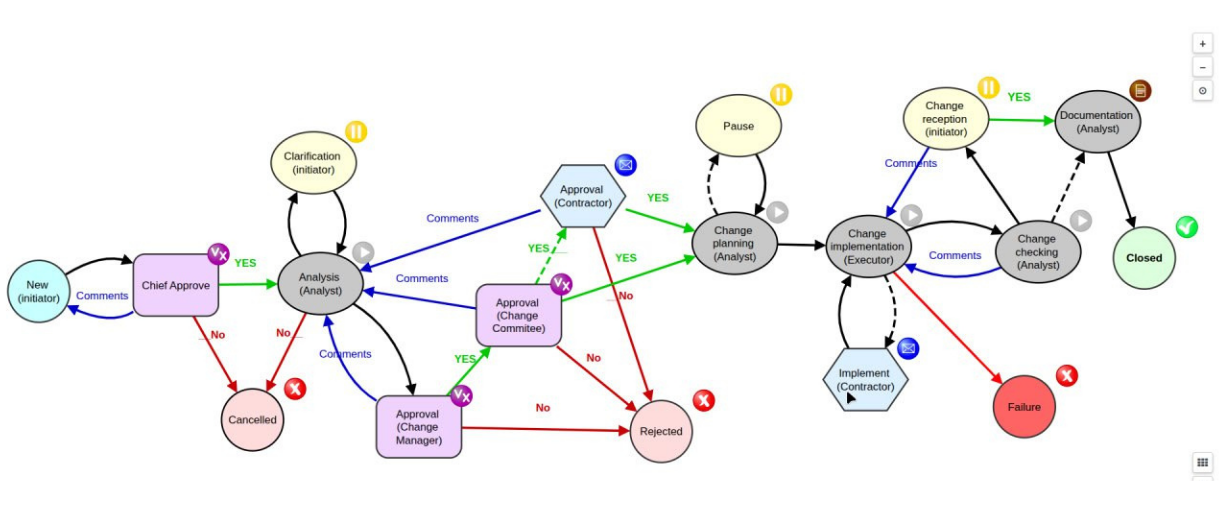
The process model is based on Basic UML State Diagram notation, making it easy to design and understand request processing flows.
The Request Type defines the sequence of stages and all allowed transitions within the process.
Each Process Stage represents the current status of a request at a specific point in time, while Process Routes define the possible transitions between stages.
All process settings are managed through visual designers, allowing workflows to be configured without complex technical effort.
Automation is a set of functional modules that enables administrators and business analysts to implement customer-specific and project-specific functionality without the need to involve developers.


Generic System Event
allows tracking and responding to system-wide events or events related to specific models, such as reference data, documents, processes, or requests.
Generic Conditions enable the configuration of simple or complex rules that are evaluated before or during the execution of automated actions.
Generic System Actions make it possible to define and execute automated operations, including object creation, data updates, task execution, and notifications.
Standing Orders and Rules allow processes to be created and executed automatically based on predefined conditions and business logic.
Additional capabilities of the request subsystem
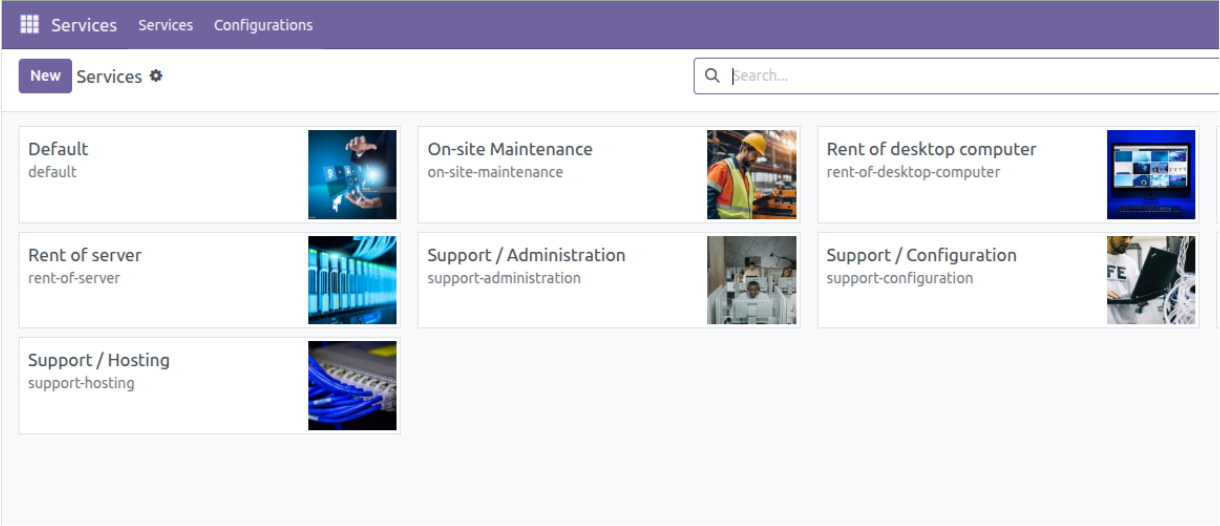
Service Catalog
Services are classified by groups, elements, level, locations etc.
Operations
Template-based lists of technical operations (ToDo) at different stages of the request.
Assignments
Assignment policies: personal, positional, role-based, group-based.
Notifications
Flexible configuration for any event. Email templates.



Tags
A multi-level tagging system that is present on almost all objects.
Time Control
Tracking and billing of time by activity on request. Deadlines.
Service Level
Unlimited number of complex SLA rules. Logging and Control.
Teams
Executors can be added to service teams by role.



Resources
Status and availability tracking.Role-based access rights model. Publication on the portal.
QR code
Marking and searching for resources and locations. Creating requests.
IT & IoT
Serial number tracking. Installation/uninstallation. Integration with AD.
Resource catalog (CMDB)

Vehicle fleet
Models, numbers, condition, routes, mileage, fuel, tires, trailers.
Maintenance
Scheduled maintenance. On-site maintenance. Equipment installation.
Real estate
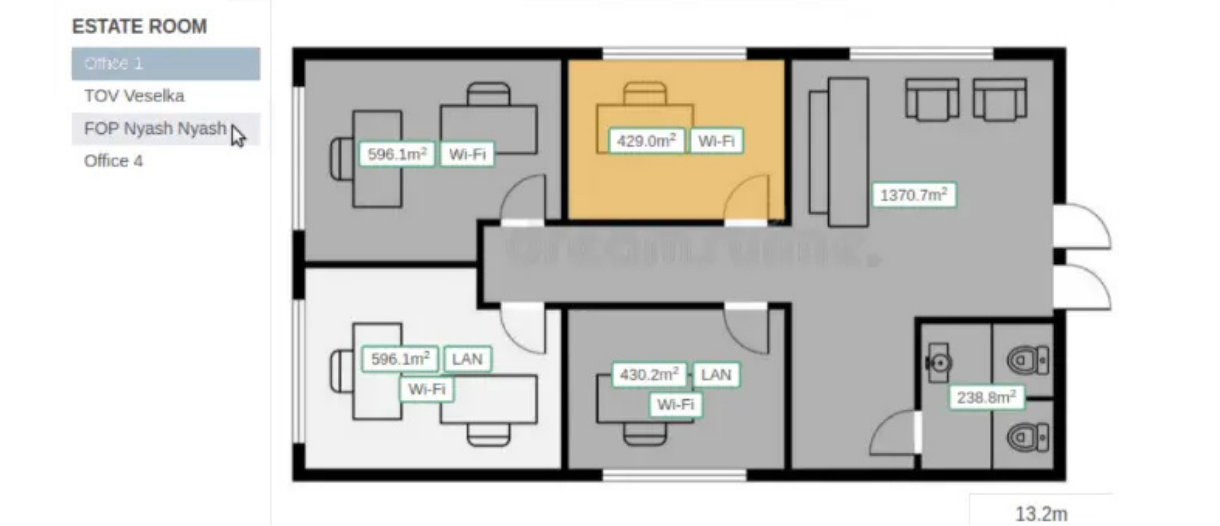
Territory, buildings, floors, premises, infrastructure facilities.
Locations
Hierarchical directory of addresses and geocoordinates, their search and conversion.
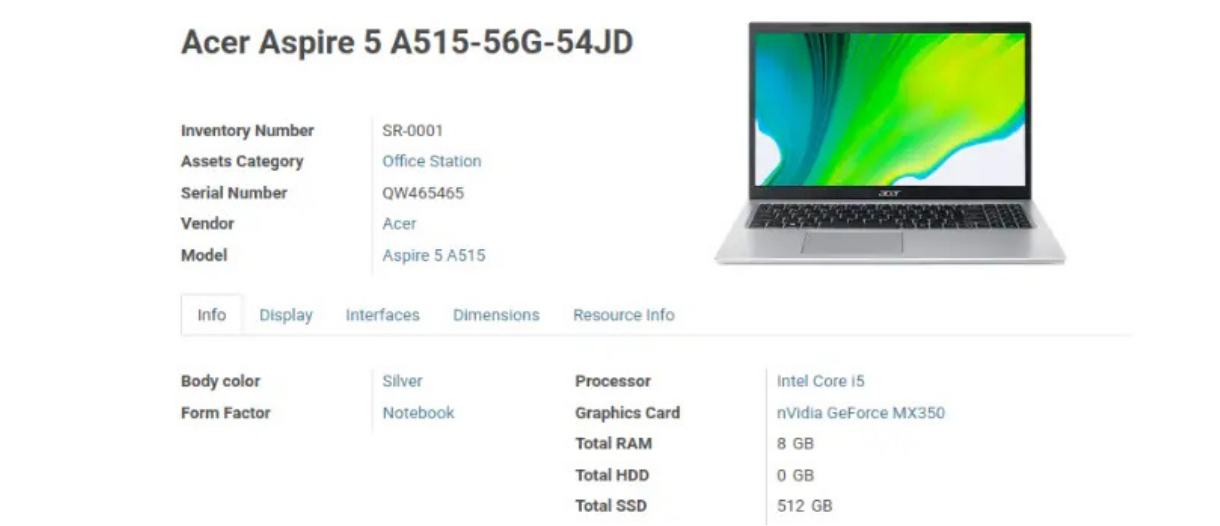
Equipment
Type, model, power dimensions, weight, color, power source.



Generic Location
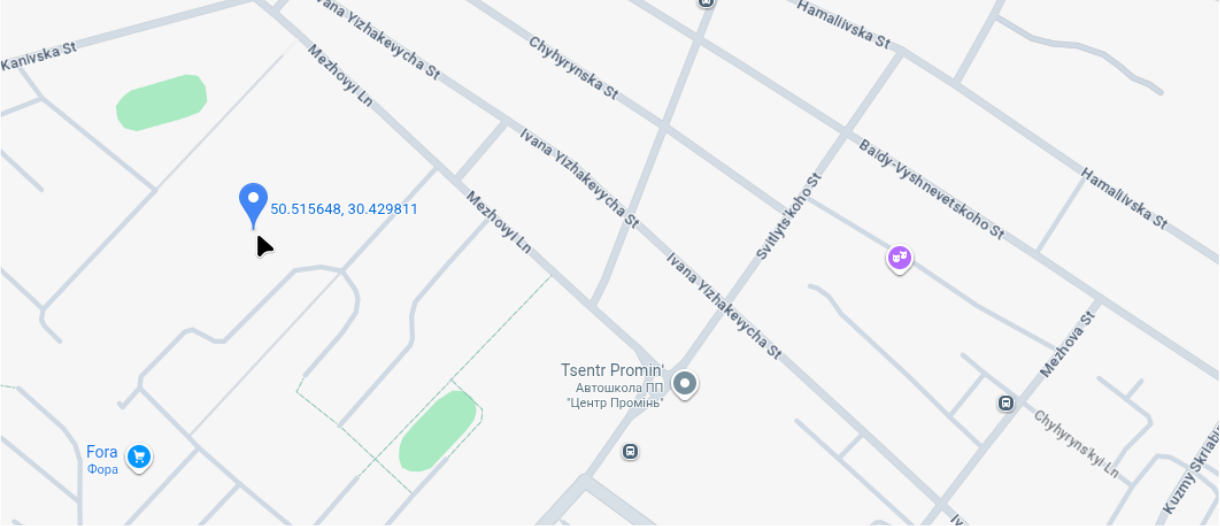
System objects such as Contacts, Locations, Routes, Work Centers, Stores, Resources, Requests, and Orders can be assigned not only a structured address but also GPS coordinates.
Through integration with Google Maps or OpenStreetMap, these objects can be visualized directly within system forms and views.
The solution also includes a built-in designer for territories and floor plans, enabling detailed spatial planning and visualization.
Resource Manager - allows you to add new resource types to the catalog without involving programmers. With an unlimited number of user fields, custom forms for operations and reports.
Classifiers - the ability to operate with your own simple (color, material, size) and complex (model, protocol) reference books.
Assets
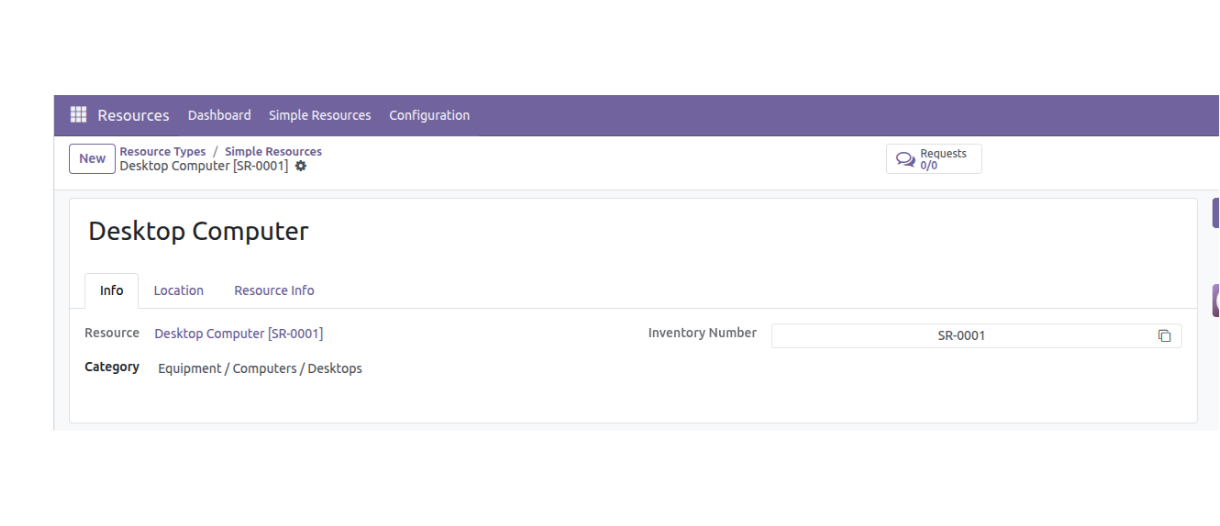
The Asset Management subsystem enables efficient tracking and management of material resources throughout their entire lifecycle.
Assets are managed across multiple locations, including warehouses, operational sites, production centers, and accountable persons.
The system supports detailed asset statuses such as in storage, in use, in transit, damaged, or under repair, and allows assignment of various responsible roles including owners, storekeepers, users, and technical specialists.
CRM
Contact management. Meeting scheduling. Various communication channels.
Knowledge Base
Documentation management. Access rights management. Portal publishing.
Billing
Rule creation. Balance calculation. Invoicing.
Additional system features

Chat Bot
Telegram Viber Whatsapp


Surveys
Form builder. Service level assessment process.
Documents
Storage, signing, and exchange of digital documents.
API
RERS / RERSfull XML / JSON - RPC
Property rental
Availability schedules. Contracts and orders. Reservations. Billing.